What “Image to 3D” really means
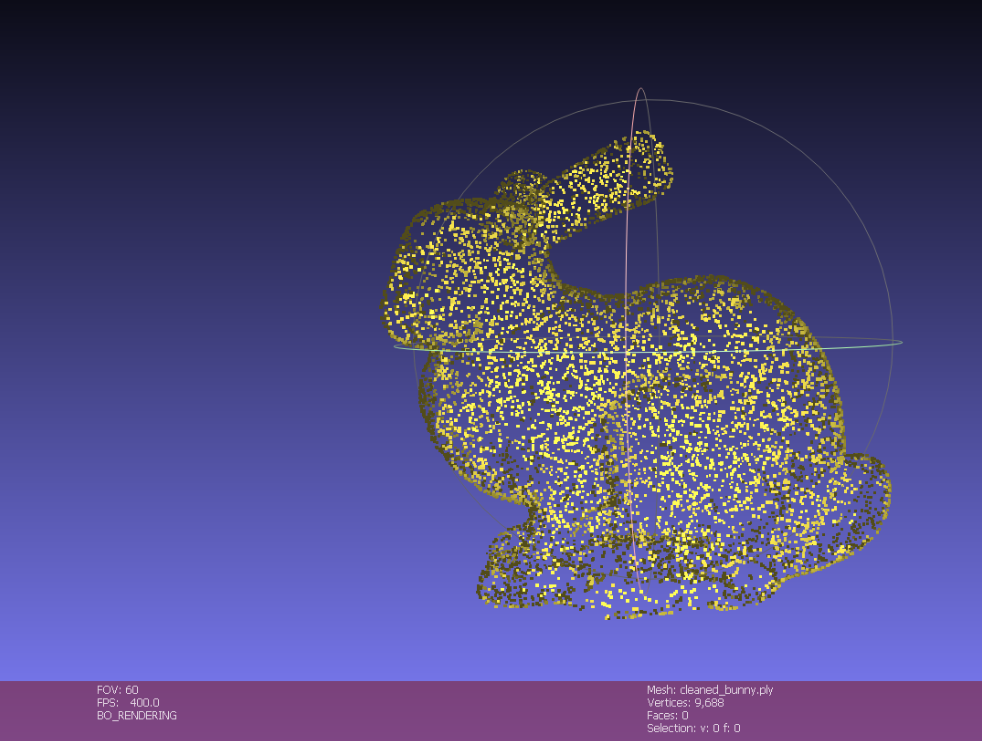
First of all, Let’s define Input that you can see in papers.
- Single Image, Just one RGB image of an Object
- Few Images, From nearby viewpoints
- Multi-view / video, Thousands of frames
Single Image to 3D model is hardest and most ambiguous task compared to Multi-view / video.
Then, The outputs you will see
- Mesh: Consists of triangles. This is great for computer graphics. But, hard to optimize directly
- Point Cloud: set of 3D points. Easy to get, messy to render.
- Voxel grid: 3D pixels. Just simple but memory-intensive
- Implicit fields: Mathematical functions such as NeRF and SDFs.
- 3D Gaussian Splatting: a set of Gaussians optimized for fast, high-quality novel-view rendering.
Two Core tasks. (Do not mix them)
- 3D Reconstruction
- Novel view synthesis
How to Get Started with Image to 3D
Summary
- Open3D, 3D Data handling and Visualization
- CS231A, Learn about Mathmatics foundation in Camera
- COLMAP, 3D Reconstruction with your photos
- Recent Neural Rendering Model
Phase 1
Use Open3D
Before diving into the theory, you must develop 3D literacy by learning to manually handle and visually inspect 3D data firsthand.
Open3D is a powerful tool for handling Point Clouds and Meshes, Loading Data and Visualization.
Therefore, You should build your own “3D Inspector Toolkit” rather than just executing existing source code.
Your toolkit should include the following features:
- Data loading and Format conversion
- Estimate Normals in point cloud, Remove outliers and Calculate Bounding Box
- Visualize Camera Frustums to confirm coordinate system
- Create simple meshes from point clouds
Critical Precautions:
- Coordinate Convention
- Unit Consistency
Phase 2
Mathmatics Foundation in Camera
Here is a summary of my CS231A studies.